
The browser extension only runs on
music.youtube.com. It does not collect account
credentials, passwords, or personal browsing history. Not affiliated with YouTube, Google,
Chrome, or Telegram.
How it works
- Install the extension, then open
music.youtube.com. - Click Join on the YouTube Music page.
- Enter your room ID and the party server URL you want to use.
- Use the Telegram bot in your group to control playback and the queue.
Screenshots
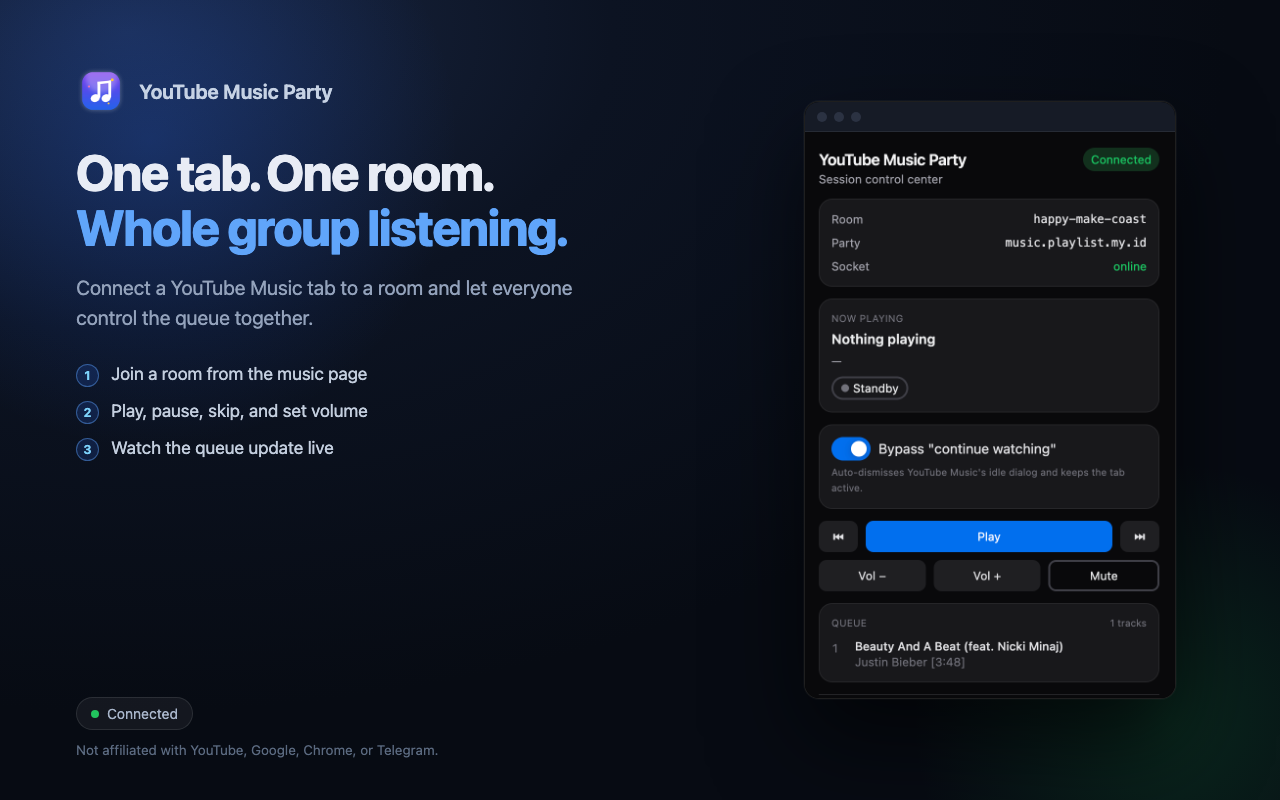
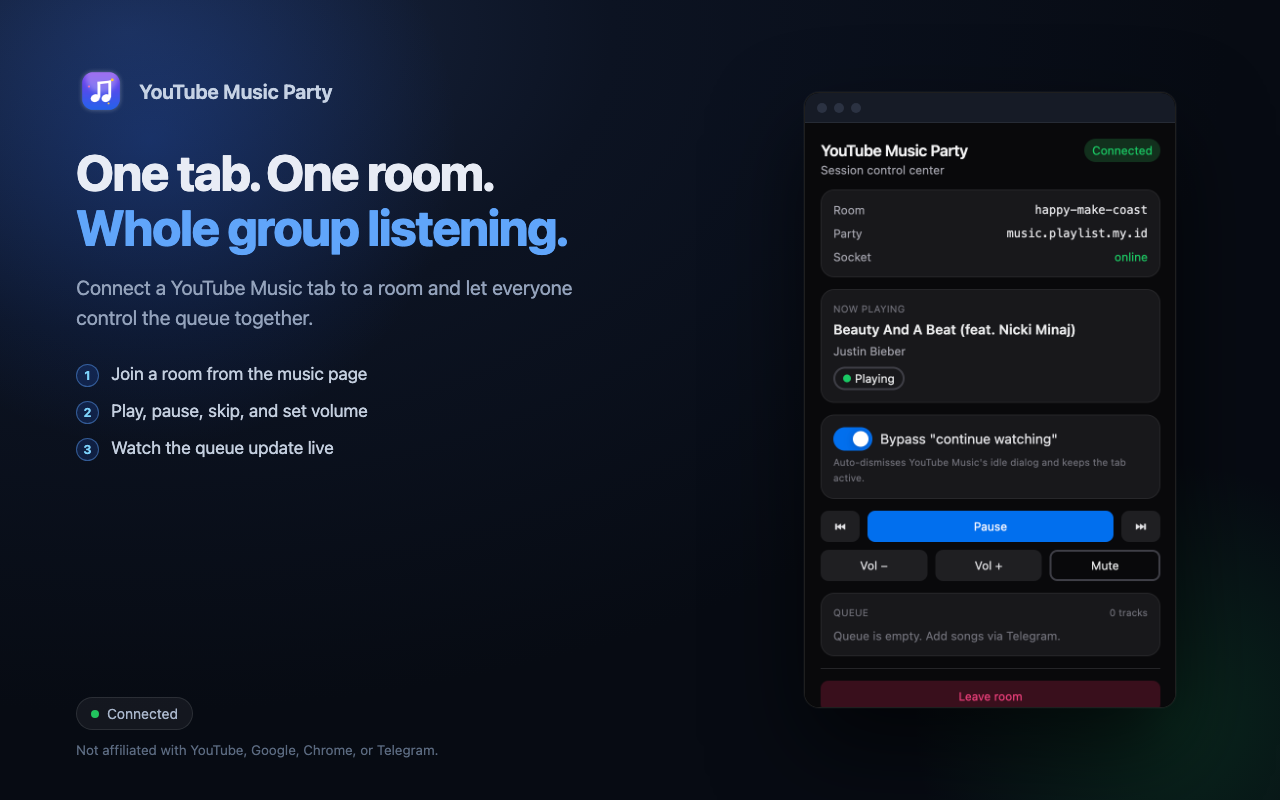
Self-hosting
This is an open-source project. The extension connects to the party server URL you provide, so you can run the backend yourself and keep your data under your own control. See the project repository for setup instructions.